Hand over the screen
Show a deck or a video to someone across the desk. Stray taps and keys do nothing until you unlock.
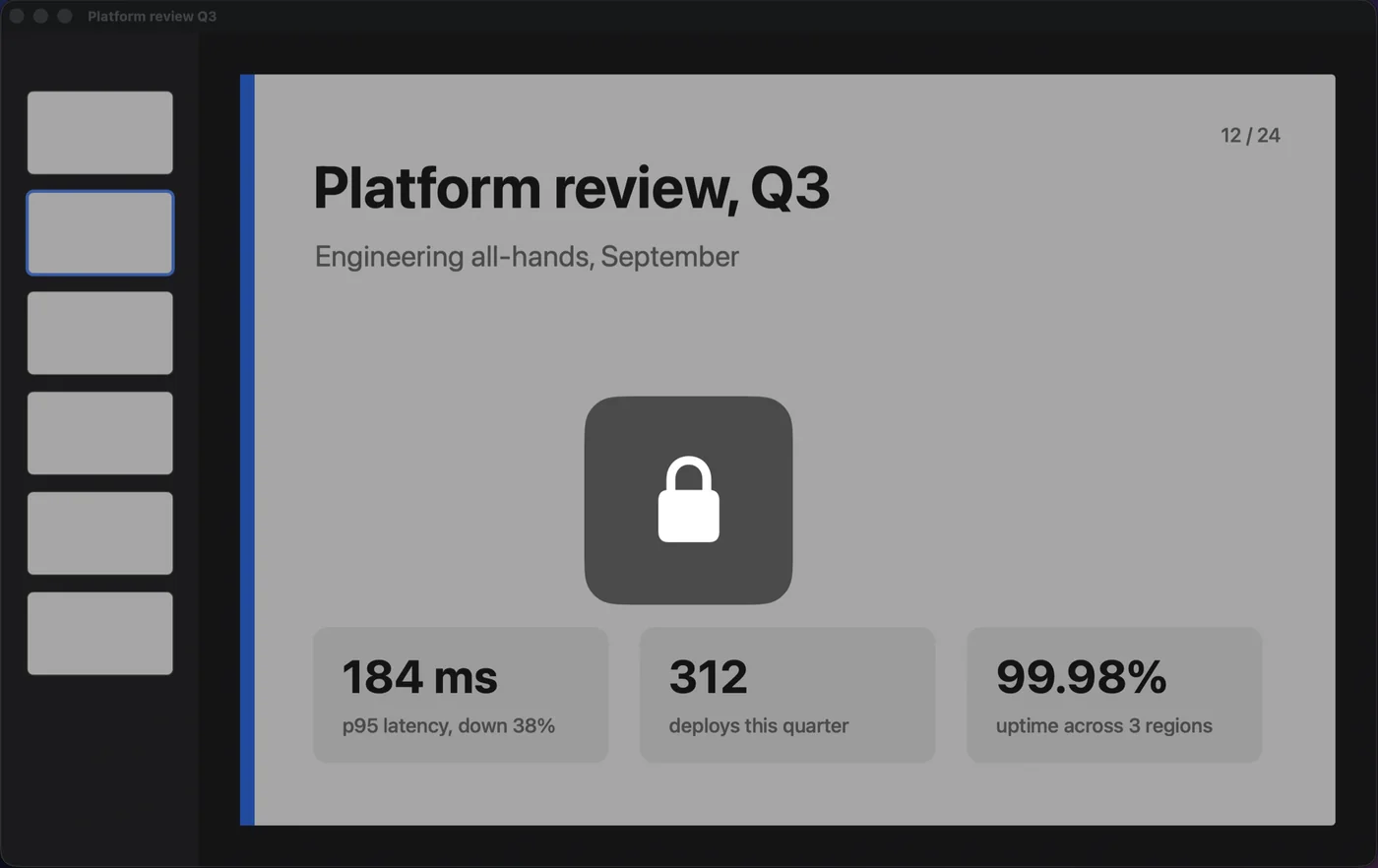
One shortcut freezes your keyboard, mouse and trackpad. Agents, builds and downloads keep running, and the Mac stays awake.
Try it on this page
Show a deck or a video to someone across the desk. Stray taps and keys do nothing until you unlock.
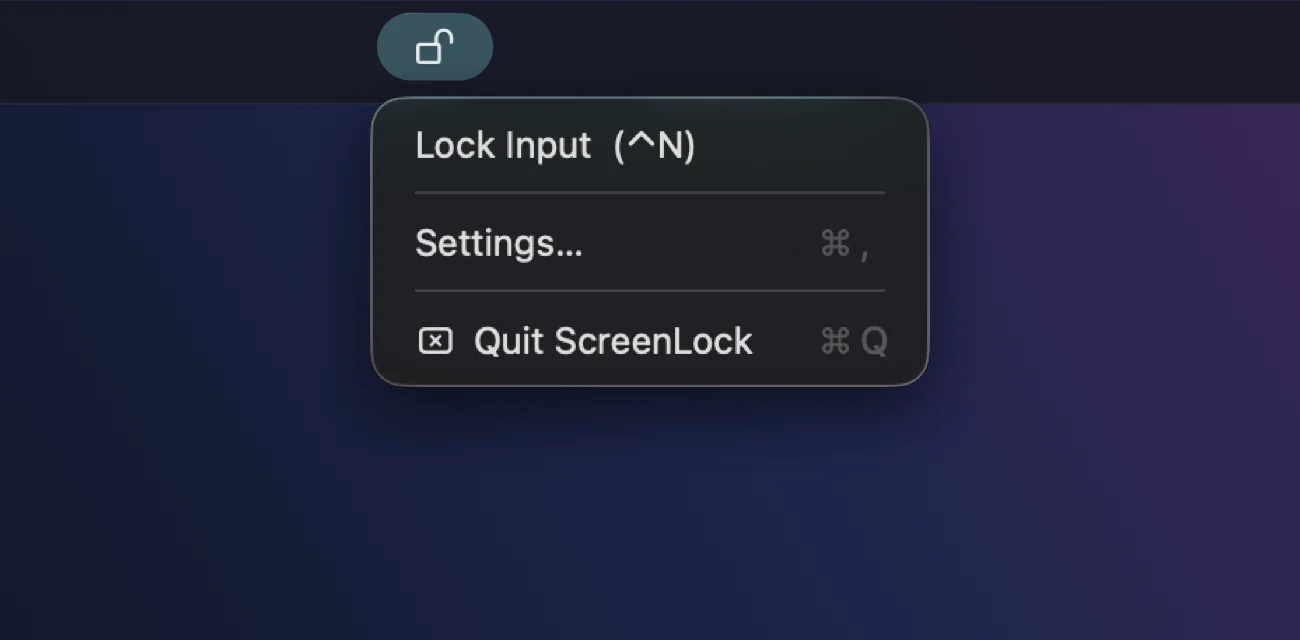
No Dock icon and no window to manage. Lock from the menu or with the shortcut.
Clean the keys and trackpad with the Mac on. No stray text, no accidental clicks.
Put a cartoon on and let them watch. Mashing the keys changes nothing.
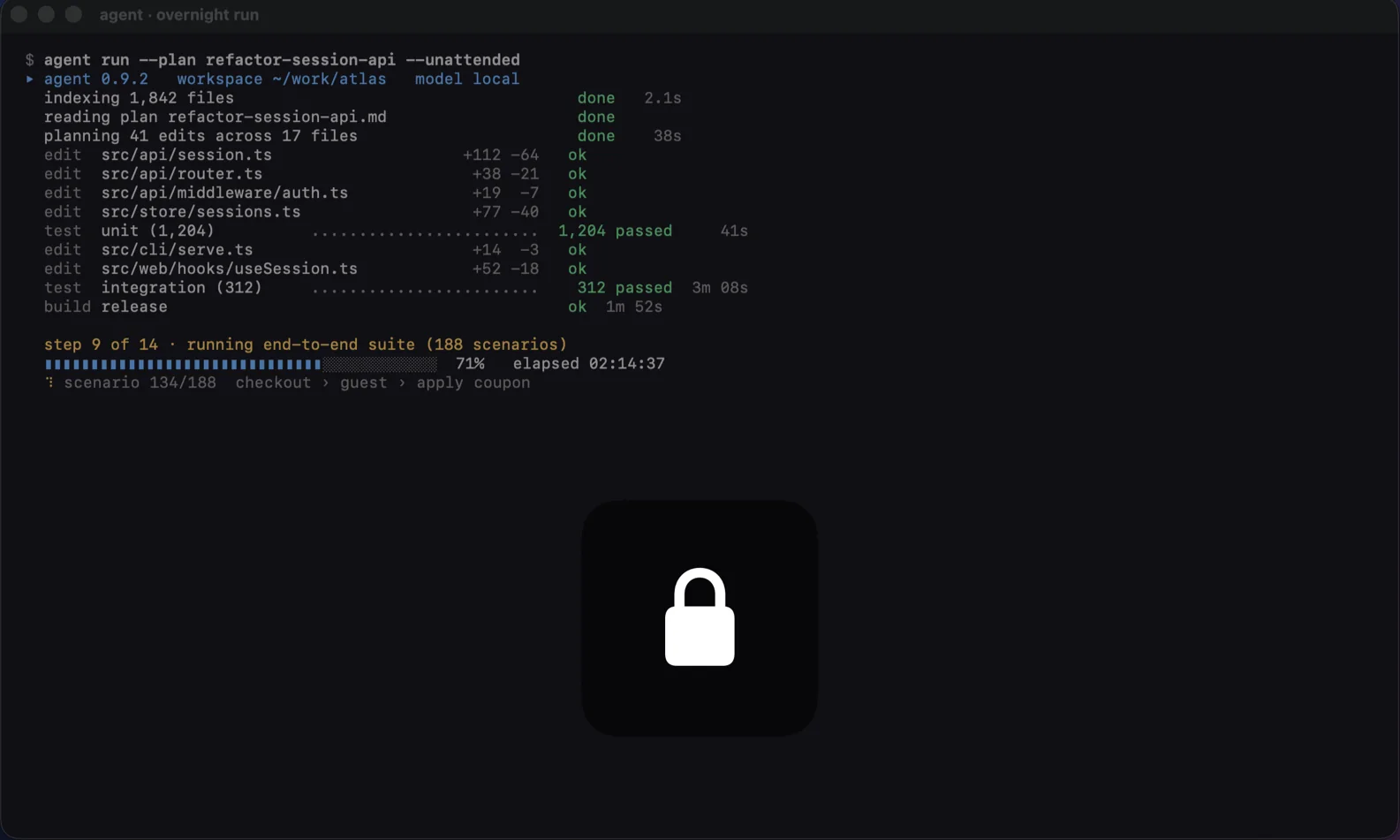
Lock the keys before bed and come back to finished work. Here is what happens in between.
Keyboard, mouse and trackpad stop responding. The screen dims a little and the lock badge appears.
Builds, test runs and downloads carry on. ScreenLock tells macOS not to idle into sleep while it is locked.
That is fine, and it saves power. Only the display sleeps. The Mac behind it keeps going.
Every key press is swallowed. Nothing gets typed, nothing gets clicked, nothing gets closed.
Input comes back. The run finished hours ago and everything is where you left it.
This panel is live. Record a shortcut, choose how dark the screen goes, then lock this page with it.
Press it, or click the keys.
The Mac app also keeps the Mac awake while locked, and can open at login.
Shortcut
Press the shortcut once to lock, and again to unlock. Click the field, then press a key with at least one modifier (⌘ ⌥ ⌃ ⇧); function keys work on their own.
Overlay
Safety
Off by default so that only your shortcut unlocks the screen.
Same app, two engines. The difference is how much stays blocked while it is locked.
Runs in Apple's sandbox. Nothing to grant.

Signed and notarised. Blocks everything.
Both need macOS 13 Ventura or later.
Anything else, email [email protected].
No. The lock screen asks for your password and lets the Mac sleep. ScreenLock only blocks input, keeps everything on screen running and keeps the Mac awake. It is a convenience, not security: anyone who knows the shortcut can unlock it.
No. It watches for your shortcut and, while locked, drops input events. Nothing is logged or stored, and the app makes no network connections at all.
Turn on emergency unlock in Settings before you need it. Then holding esc for two seconds (App Store) or pressing ⌘⌥esc (direct download) unlocks as well.
Not on its own while locked. Closing the lid or a scheduled sleep still puts it to sleep, and the display can turn off as usual.
On the direct download, make sure ScreenLock is ticked in System Settings, Privacy & Security, Accessibility, then quit and reopen it. The support page covers the rest.
Press ⌃[ to unlock or hold esc for two seconds Press and hold anywhere to unlock